

Description
Download Free Color Keypad APK – Keyboard Theme Personalization, Mobile Customization, Free Theme App
Overview
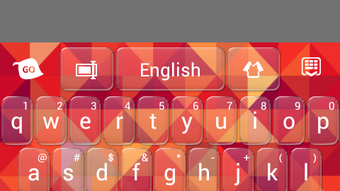
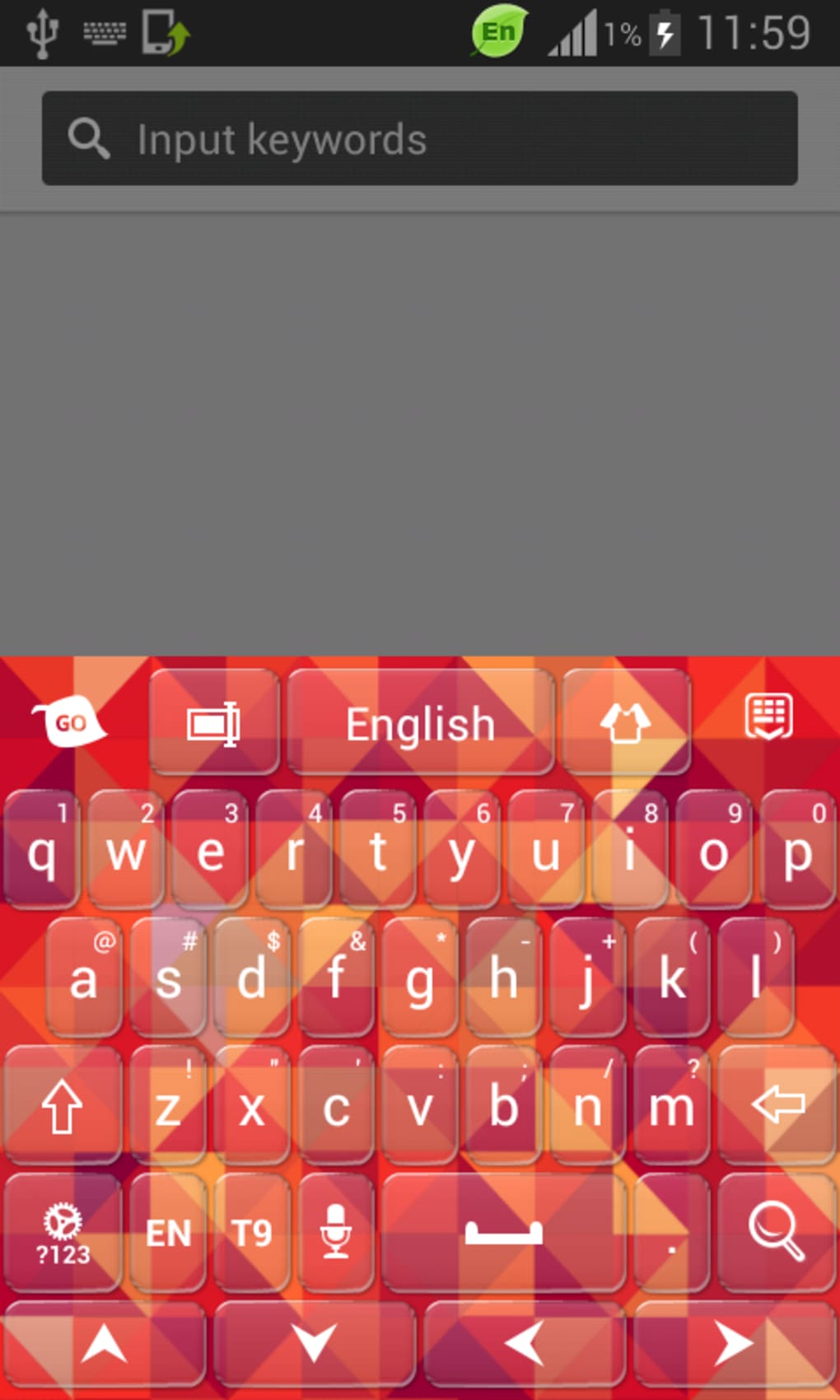
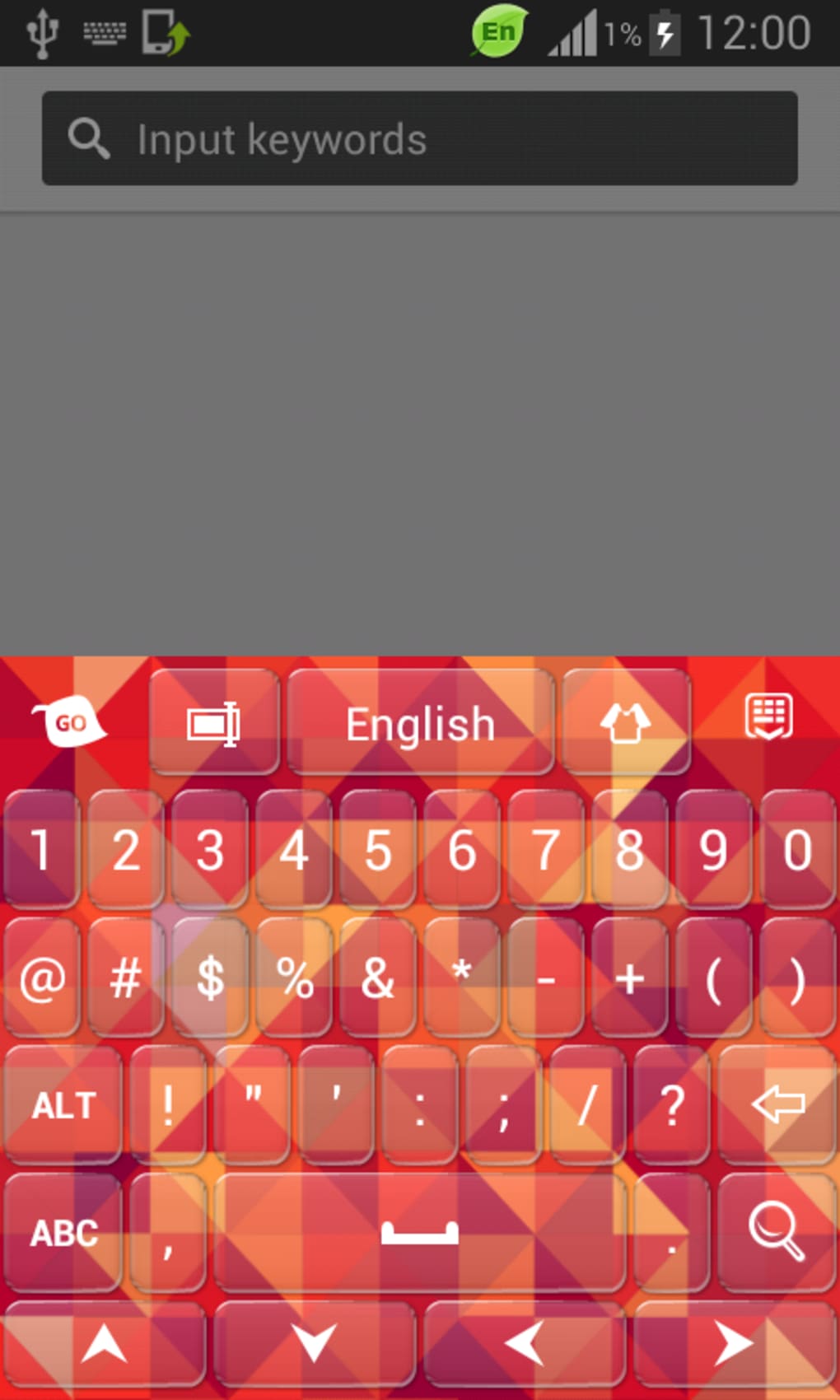
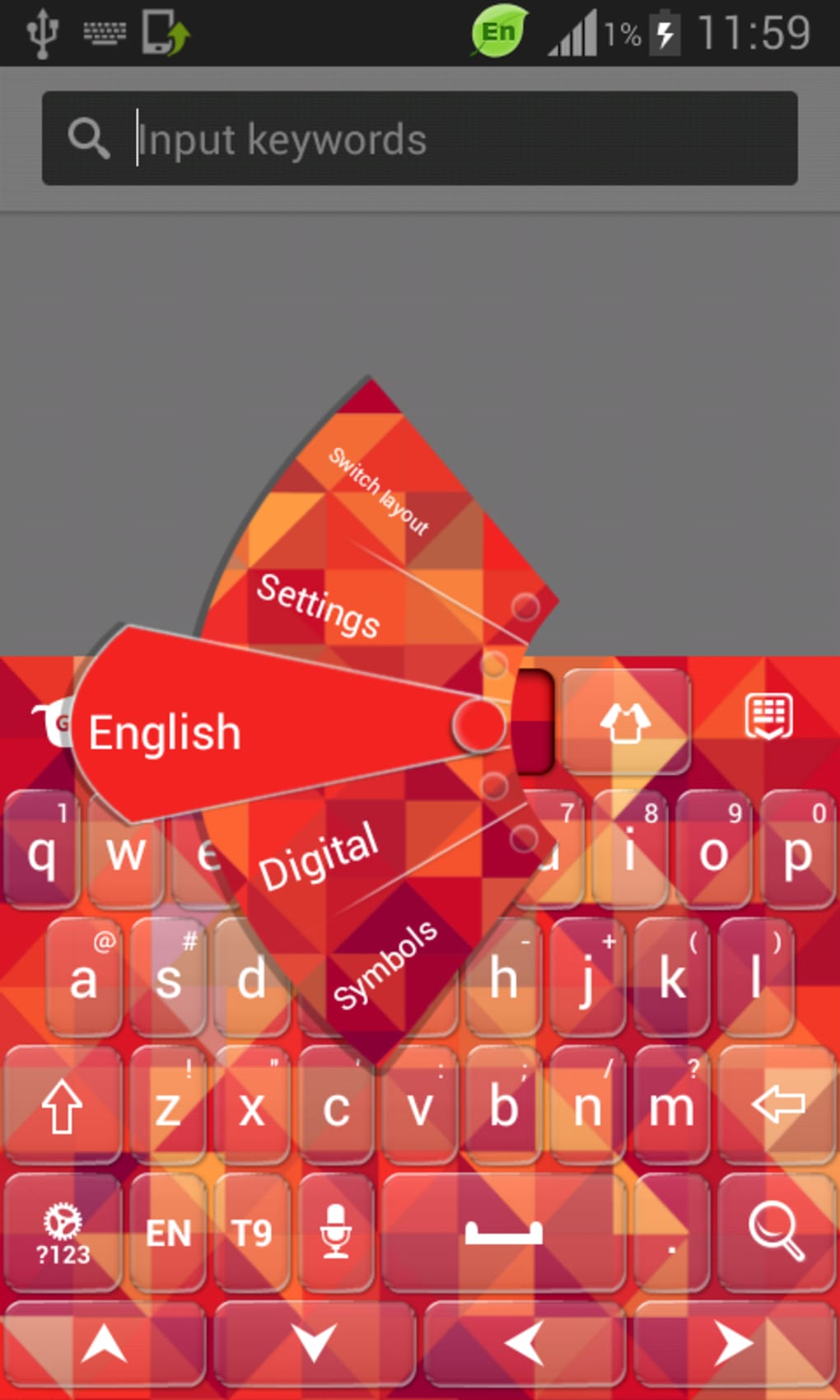
Free Color Keypad is a mobile application designed to enhance the visual appeal of a user’s keyboard through customizable themes. Developed by T-Me Studios, the app serves as a personalization tool for Android users seeking to transform their keyboard’s appearance. It allows users to apply vibrant, unique designs to their keyboard interface, offering a way to express individuality through their device’s input interface. The software is positioned as a lightweight decoration tool, aiming to replace dull or monotonous keyboard aesthetics with dynamic and eye-catching visuals.
Target users include mobile consumers who value aesthetic customization and enjoy personalizing their devices. The app is particularly suited for individuals who want to stand out with a distinctive keyboard look without investing in paid solutions. Real-world usage scenarios include users updating their keyboard theme for social media content, personal branding, or simply refreshing their phone’s interface. While the app does not offer advanced functionality beyond theme application, its purpose is clearly defined: to provide a free and accessible method for keyboard visual customization.
Key Features & Capabilities
- Theme Customization – Offers a variety of pre-designed themes to change the keyboard’s appearance, including color schemes, patterns, and visual effects.
- Free Access – All themes are available at no cost, with no in-app purchases or paywalls for core features.
- Integration with Fast Typing Keyboard – Requires the installation of T-Me Studios’ Fast Typing Keyboard app to function, as it acts as the underlying keyboard engine.
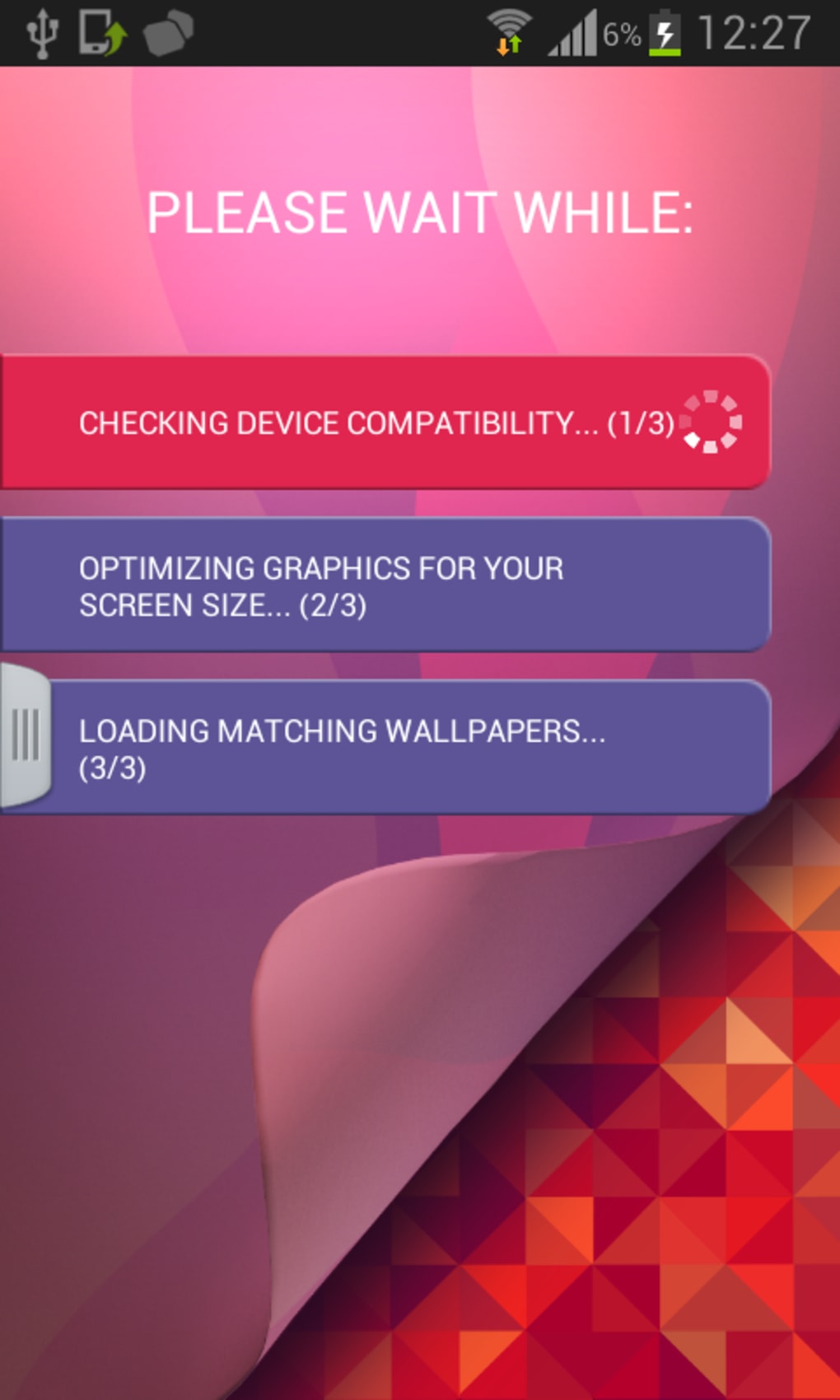
- Wallpaper Integration – Includes access to free wallpapers that can be used alongside keyboard themes for a cohesive device look.
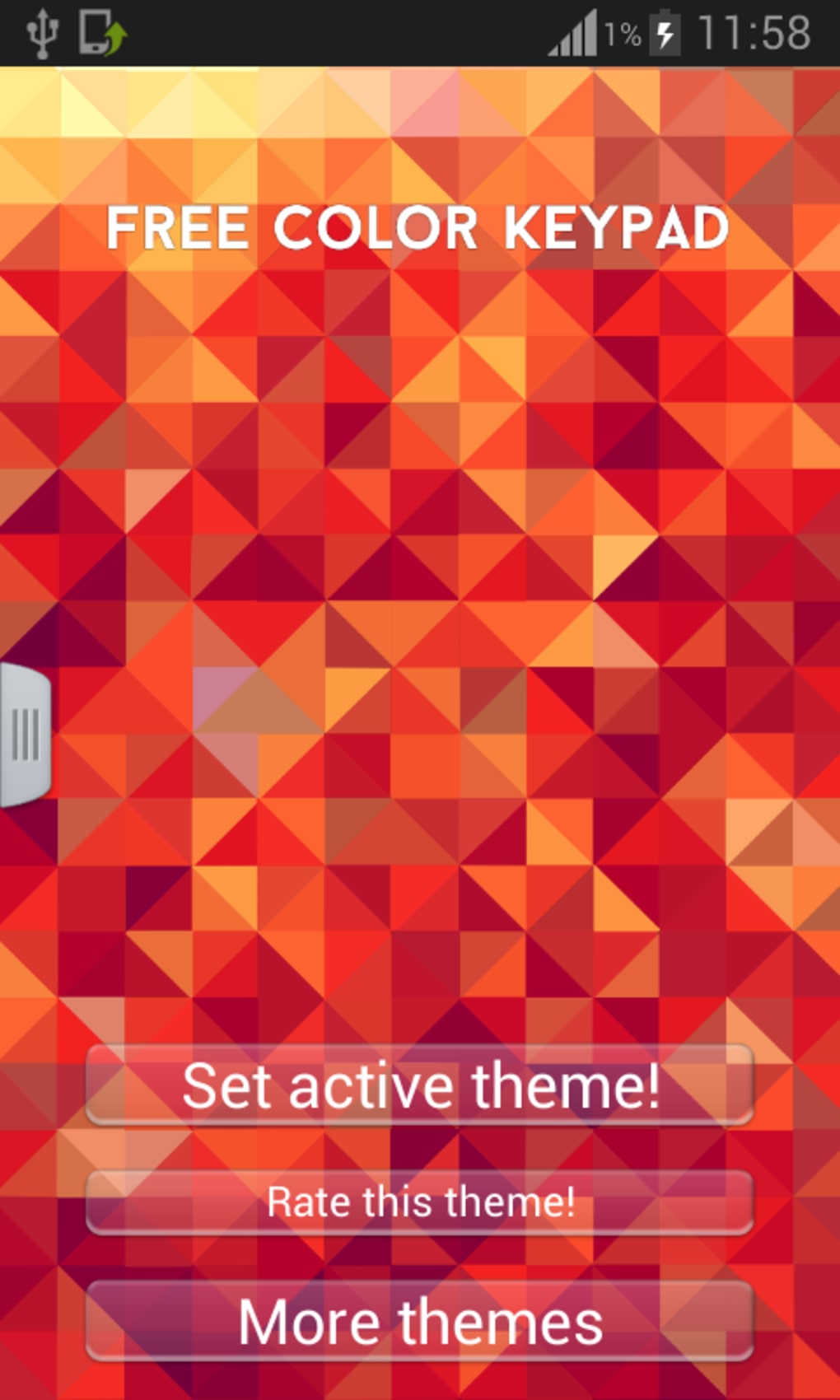
- Easy Theme Application – Allows users to select and apply themes directly through the app’s interface with minimal setup steps.
These features enable users to quickly update their keyboard’s visual style without needing technical expertise. The app’s reliance on a companion keyboard app ensures that the theme changes are rendered accurately, but it also adds a layer of complexity to the initial setup. While the app does not support custom theme creation, its pre-made designs aim to cater to diverse tastes, from minimalist to bold and colorful options.
User Interface, Workflow & Performance
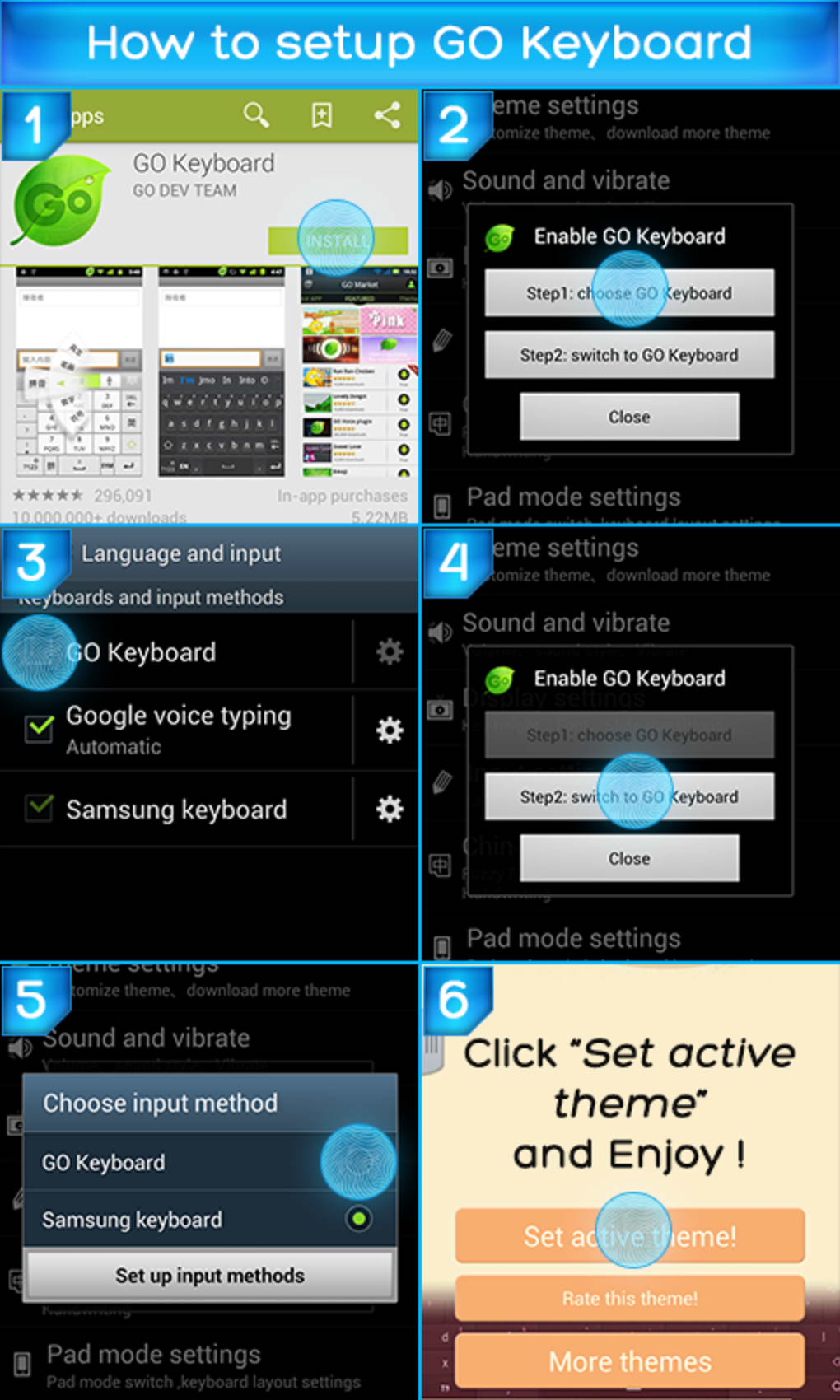
The user interface of Free Color Keypad is designed with simplicity in mind, focusing on theme browsing and application. Navigation is straightforward, allowing users to scroll through available themes and select one with minimal taps. The workflow begins with installing the required Fast Typing Keyboard app, enabling it in device settings, and then launching Free Color Keypad to apply a theme. This multi-step process may be seen as a minor inconvenience for some users.
Performance details were not specified by the developer. However, as a lightweight decoration tool, it is expected to consume minimal system resources. The app does not perform background tasks beyond theme management, suggesting stable operation under normal conditions. No information was provided about CPU or RAM usage, so actual performance behavior remains unspecified. Stability is likely maintained due to its limited scope, but user experience may vary depending on the device and the performance of the companion keyboard app.
Compatibility & System Requirements
Free Color Keypad is designed for Android devices and requires the Fast Typing Keyboard app to be installed for full functionality. The developer did not provide specific information on minimum system requirements, including RAM, storage, or Android version. Installation size and exact compatibility details were not listed. Platform compatibility information is limited to Android, with no mention of iOS or other mobile operating systems.
Users are advised to ensure their device supports the Fast Typing Keyboard app before attempting to use Free Color Keypad. The app’s dependence on an external keyboard engine suggests that compatibility may vary based on the performance and configuration of the companion application. The developer did not specify whether the app supports tablets or only smartphones.
Pros and Cons
Pros
- Completely free to use with no hidden costs
- Offers a wide selection of visually appealing keyboard themes
- Simple and intuitive interface for theme selection
- Includes free wallpapers for a consistent device aesthetic
- Lightweight design with minimal system impact
Cons
- Requires installation of a separate keyboard app (Fast Typing Keyboard)
- No support for creating custom themes
- Limited functionality beyond visual customization
- Performance and system requirements not disclosed
- Dependence on a third-party app may affect user experience
FAQ Section
Is Free Color Keypad available for iOS devices?
The app is designed for Android and there is no information indicating iOS compatibility.
Do I need to pay to use the themes?
No, all themes and features are available at no cost. There are no in-app purchases required for core functionality.
Can I create my own keyboard themes with this app?
Based on the available information, the app does not support custom theme creation. Users can only select from pre-made designs.
How do I set up Free Color Keypad on my phone?
You must first install the Fast Typing Keyboard app from T-Me Studios. After installation, enable it in your device settings and set it as the default keyboard. Then, launch Free Color Keypad to apply a theme.
Is the app safe to download and use?
As a theme personalization app developed by T-Me Studios, it is designed to enhance device appearance. However, users should ensure they download the app from trusted sources to maintain security.
Final Thoughts + CTA
Free Color Keypad delivers on its core promise: offering a free, visually engaging way to personalize a keyboard’s appearance. While its functionality is limited to theme application and integration with a companion app, it remains a viable option for users seeking a quick aesthetic upgrade without financial investment. The app’s simplicity and lack of cost make it accessible, though its dependency on an additional keyboard app may deter users looking for a standalone solution.
For mobile users who prioritize visual customization and are comfortable with multi-app setups, Free Color Keypad may be a suitable choice. However, those seeking more flexibility or advanced customization options should consider alternative tools. Overall, the app serves a niche but valid purpose in the mobile personalization space.
Download Free Color Keypad APK now
Guides & Tutorials for Free Color Keypad APK
How to install Free Color Keypad APK
- Click the Preview / Download button above.
- Once redirected, accept the terms and click Install.
- Wait for the Free Color Keypad APK download to finish on your device.
How to use Free Color Keypad APK
This software is primarily used for its core features described above. Open the app after installation to explore its capabilities.
User Reviews for Free Color Keypad APK 0
No reviews found





